 Kiki
Kiki
How Kiki helps
Kiki Plus, optional
A one-time $4.99 thank-you that adds 7 more coats and salmon feasts any time, with his happy dance and a crown. Everything for focusing stays free.
Help & FAQ
How do I start?
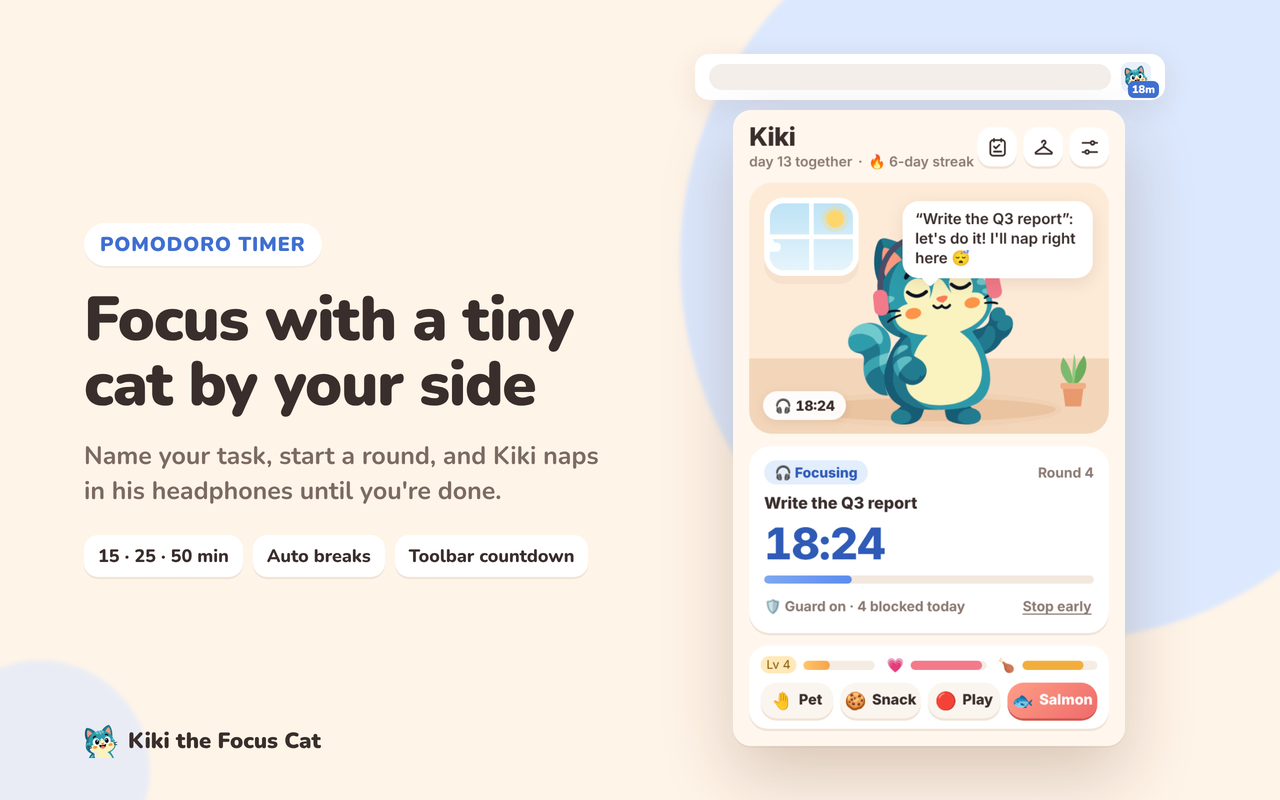
Click Kiki in the Chrome toolbar (pin him from the puzzle-piece menu), type what you're working on, and press Focus.
How does the distraction guard work?
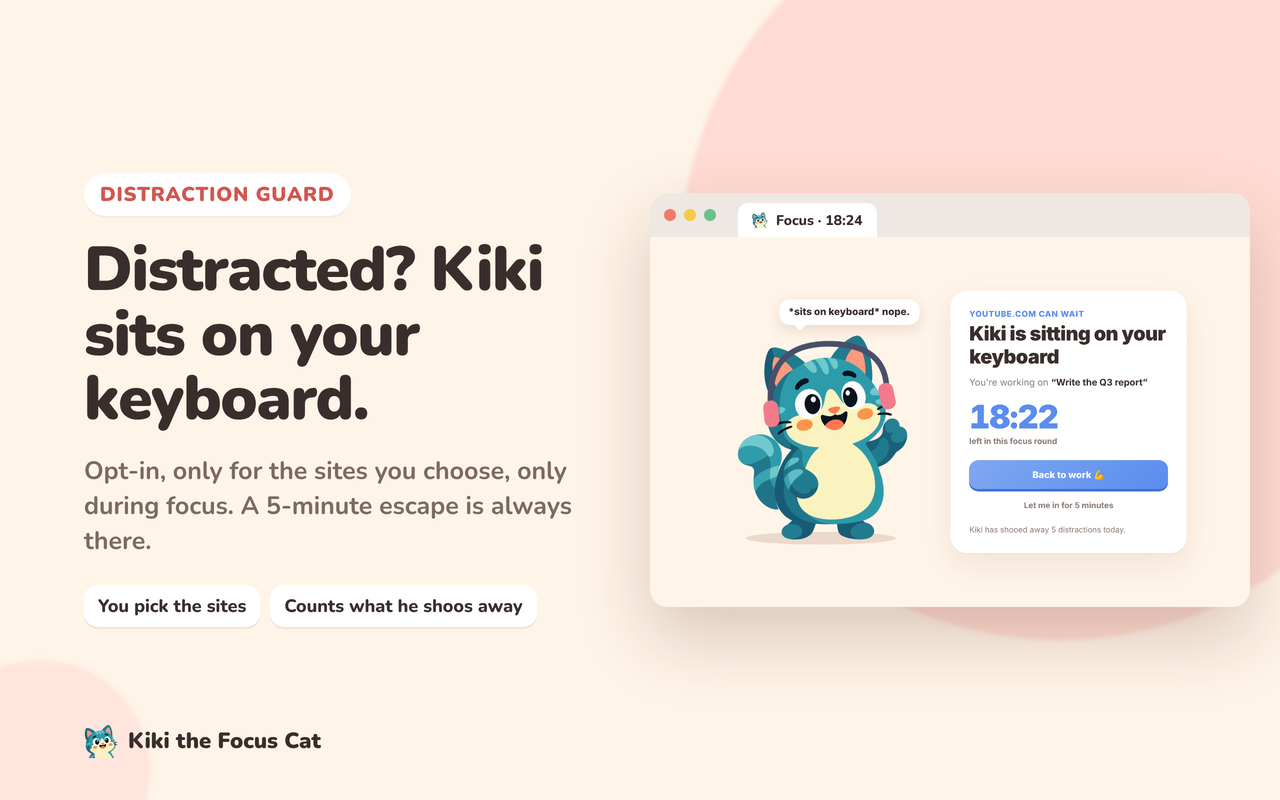
Open Kiki's settings, switch on “Guard during focus” and edit the site list. Chrome asks your permission for those sites only. During a focus round, opening one shows Kiki's back-to-work page. “Let me in for 5 minutes” is always there.
I don't see notifications.
Check that notifications are on in Kiki's settings, and that your operating system allows notifications from Chrome. On Mac: System Settings → Notifications → Google Chrome. On Windows: Settings → System → Notifications.
I bought Kiki Plus. How do I get it on another computer?
Open Kiki → Settings → Kiki Plus → “Restore on this device”, or use “Already bought it? Restore purchase” in the Plus window. You'll get a login link by email.
Refunds
If Kiki Plus isn't for you, email us within 14 days of buying and we'll refund you.
Does Kiki track me?
No. Everything stays in your browser. See the privacy policy.
Something else? Email kiki@draur.com.